Music Production: How to Make and Release Music
You don't need an expensive studio to make great music.
What is music production?
Music production refers to the process of creating recorded music, typically involving stages like composing, arranging, recording, editing, mixing, and mastering. Producers often use digital audio workstations (DAWs) to build and organize tracks, apply effects, and shape the sound. Recording captures vocals and instruments, while mixing balances audio elements and adds effects. Mastering finalizes the track for distribution.
What does a music producer do?
A music producer creates recorded music or helps other artists shape their recordings. Their work can involve songwriting, arrangement, recording, mixing and mastering.
Some producers create their own tracks from start to finish, while others work with artists to craft their sound and guide the recording process. Producers may use digital audio workstations (DAWs) to build instrumentals, structure tracks, or apply effects.
Some producers work closely with artists on vocal delivery, song structure, or creative direction. Others focus more on the technical aspects like sound design or audio engineering.
Their role can change depending on the genre, the artist’s needs, or the production setup.
How to Produce Music
1. Music production software and equipment
2. What is a DAW? Setting up your first project
3. Using MIDI, audio samples, and virtual instruments
4. Songwriting and composition: How to write your first song
5. Intro to sound design: Creating your own sounds
6. Recording audio: How to record vocals and instruments
7. Mixing in music production: How to balance your track
8. Music mastering explained: Finishing your release
9. Music distribution: How to release your music
1. Music production equipment and software
You don’t need tons of expensive gear to get started as a producer. To produce music on a computer, you only need a few essentials:
- A computer
- A digital audio workstation (DAW)
- Headphones or speakers
If you plan to record vocals or instruments like an electric guitar, you will need an audio interface and a microphone.
For help choosing equipment at different budgets, check out our bedroom production guide.
Many producers create entire tracks using only a computer and a DAW. You can always expand your home studio setup later, as you discover how you like to work.
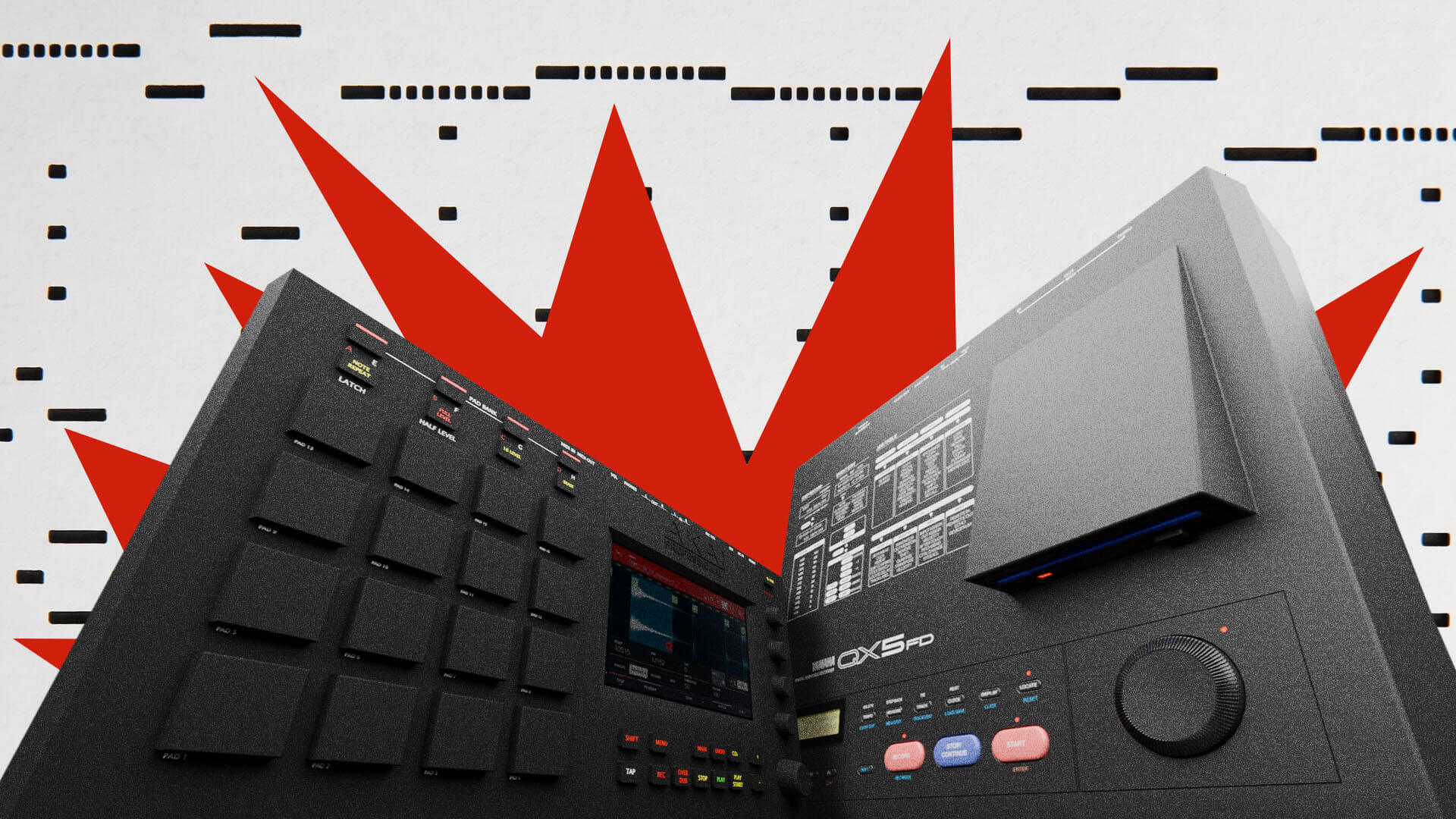
Eventually, you might add a MIDI keyboard or hardware like synths, drum machines, and grooveboxes. Getting your hands on physical gear is a fun, inspiring way to upgrade your music production workflow and open up new creative possibilities.
2. What is a DAW? Setting up your first project
A digital audio workstation (DAW) is software for recording, editing, arranging, and mixing audio and MIDI tracks. It brings your recordings, virtual instruments, and effects together in one environment.
You can use a DAW to record a vocal, program drums, or write a melody with a virtual instrument. As your ideas develop, you can combine them on a timeline to build your first complete song.
To set up your very first project:
Select your audio device. Choose your audio interface if you have one, if not use your computer’s built-in audio.
Set the tempo. How fast is this first song? Turn on the metronome if you want a steady beat to play along to.
Create a track. Use an audio track for recording or arranging audio, or a MIDI track to play a virtual instrument.
Check playback. Drag in a loop to a new audio track and press play to confirm that sound reaches your headphones or speakers.
Save your project. Congratulations, you’ve got your first project up and running. Now let’s make something with it.
3. Using MIDI, audio samples, and virtual instruments
Your DAW is your blank canvas, but the tools you load inside it are what actually make the sound. As you start to develop your first track, you can rely on three main building blocks:
MIDI: This is the digital language that lets your hardware and software communicate. When you press a key on a MIDI controller or draw a note in your DAW’s piano roll, MIDI data tells your software which note to play, how hard to hit it, and for how long.
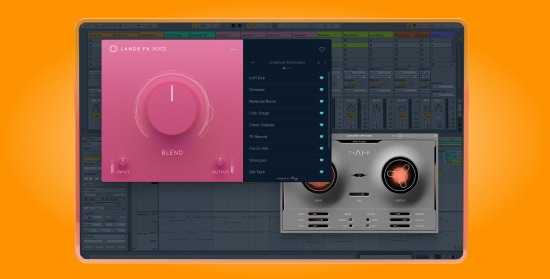
Virtual instruments and plugins: These are the software synthesizers, drum machines, and effects that create and shape your audio. Your DAW probably will come with a fully functional set of built-in devices, but downloading third-party plugins, including completely free ones, is a great way to develop your own unique sound.
Audio samples: These are pieces of recorded audio, like a single drum hit, vocal chop, or a full drum loop. You can drag and drop samples directly into your timeline to quickly build beats and add texture to your music production projects. If you need a place to start, you can grab a great selection of pro-quality sounds from the LANDR free samples collection.
4. Songwriting and composition: How to write your first song
In modern music making, the line between a songwriter and a producer often overlaps. When you program a drum beat, write a melody, or record a chord progression in your DAW, you are composing a song.
If a track feels boring or repetitive, it usually comes down to how the song is built.
Ask yourself: Is there too much repetition? Not enough contrast? Too many instruments competing for attention at once? As you start turning your short loops into full tracks, you will want to focus on three core concepts:
Music theory basics: How chords, scales, melodies, and rhythm work together to create a vibe or emotion.
Song structure: How your track flows. This is the roadmap for your sections and helps take the listener on a journey from intro to ending.
Arrangement: Choosing and combining instruments, sounds, and musical parts so your track stays interesting but doesn’t feel cluttered.
Learning these basics makes finishing tracks much easier. Start with a short idea, like a drum pattern, chord progression, or melody and add a part that complements it. You can create a contrasting section by changing the chords, introducing a new melody, or stripping back some instruments. Play your sections together and listen for how the energy changes.
To help you develop these skills, explore our dedicated music production guides for artists looking to learn songwriting, arrangement, and basic music theory.
5. Intro to sound design: Creating your own sounds
Sound design is the process of shaping the unique tone and texture of the sounds in your music. It helps give your tracks their own identity.
Common sound design techniques include:
Sampling: Digging for audio clips and chopping them up to create something entirely new.
Synthesis: Creating sounds with software or hardware synthesizers, whether you tweak a preset or build a patch from scratch.
Effects chains: Experimenting with audio plugins to completely transform a basic recording.
Because the possibilities are endless, the best way to learn is by starting with the workflow that inspires you most. Check out our essential sound design resource to explore techniques for every music production style
6. Recording audio: How to record vocals and instruments
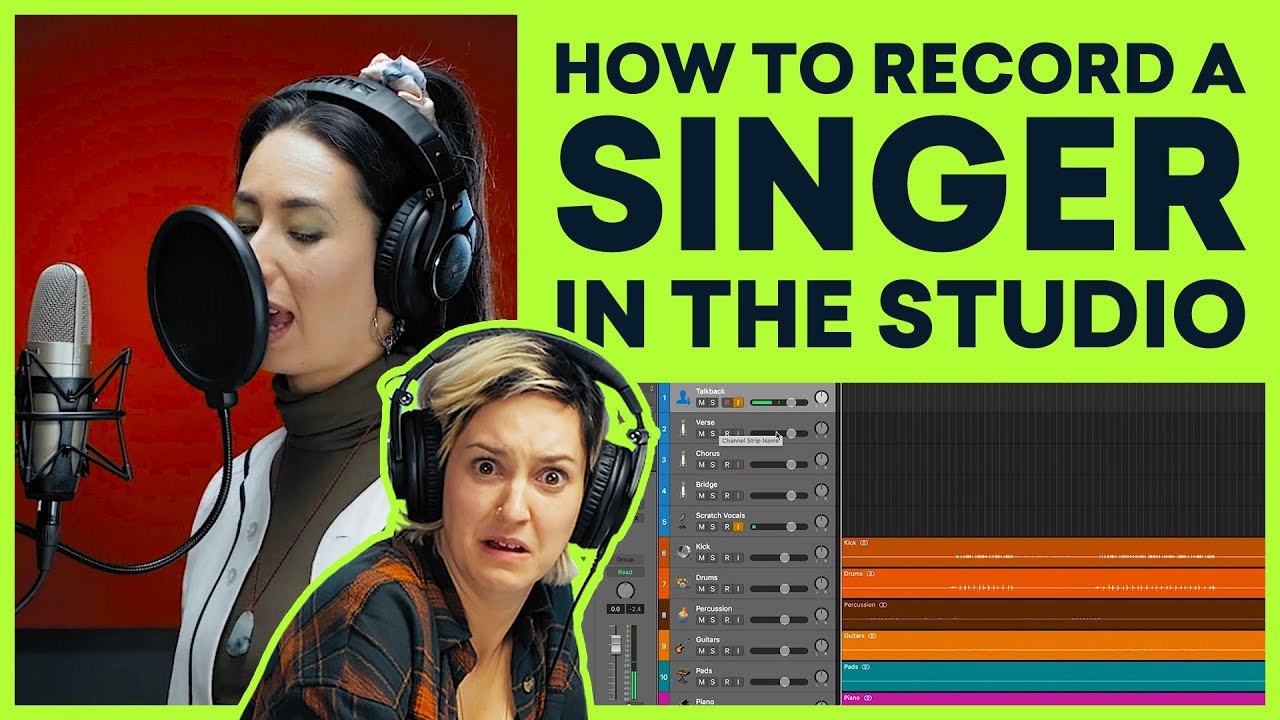
While many producers build tracks entirely with only MIDI and samples, capturing live audio is an essential skill. Whether you’re tracking a live acoustic guitar or recording a vocal over an electronic beat, getting a clean recording from the start makes mixing much easier later on.
Recording with a microphone doesn’t have to be intimidating. To capture the best possible sound in a home studio, focus on these three basics:
Room acoustics: Your microphone captures the room you are in. Avoid large, echoey spaces as room noise is tedious to fix later. For clean vocals, recording in a small, quiet space is best. Try a bedroom closet full of clothes, it works wonders for absorbing unwanted reflections.
Mic placement: Position the microphone so it directly faces your sound source. For singers, keeping your mouth about 6 to 8 inches away from the microphone and using a pop filter helps prevent harsh popping sounds and distortion.
Setting your levels: When plugging a mic into your audio interface, make sure your input gain isn’t set too high. If the volume meter flashes red in your DAW, your audio is clipping and will sound permanently distorted.
7. Mixing in music production: How to balance your track
Mixing music is the art of blending individual tracks into a balanced, cohesive song where every element can be heard clearly. This process transforms raw recordings into a polished mix that’s ready for your listeners to enjoy.
The most common tools used in mixing include:
- EQ (Equalization): Carves out frequency space so instruments don’t clash.
- Compression: Controls dynamic range to keep levels consistent and punchy.
- Reverb and delay: Adds depth, dimension, and a sense of space to your sound.
While getting the hang of mixing takes time, understanding how these three interact gives you immediate control over your track’s clarity and energy.
Read more about mixing:
- How to Mix Music: The Beginner’s Guide
- Mixing in Ableton: 7 Tips For a Better Mix Workflow in Live
- Channel Strip Plugins: The 8 Best All-in-one Mixing Channels
- How to Mix Bass: 5 Tips for Mixing Bass to Get Powerful Low End
- Mixing Beats: How to Mix Hip-Hop, Trap, Electronic and Beyond
8. Music mastering explained: Finishing your release

Curious how mastering works? Our head audio engineer, Al Isler, explains.
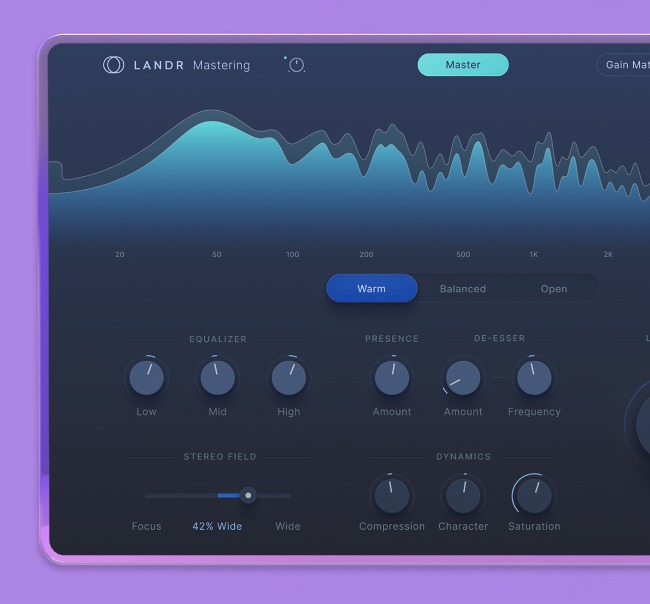
Mastering is the final step in the music production process.
It provides the last layer of polish to make sure your mix sounds balanced and professional on any device. This is the step where your individual tracks are finally treated as a single audio file.
The main goals of mastering include:
Proper playback: Ensuring your track sounds great on everything from club speakers to earbuds.
Quality control: The final check to guarantee your sound translates exactly how you intended it to.
Consistency: Provides the sonic glue that makes individual songs flow together as a cohesive project.
Mastering is a crucial part of music production, but it doesn’t have to be intimidating. Check out our suite of resources to learn everything you need to know to get started:
- What is mastering?
- How to Master an Album With Mastering Plugins
- Mastering EQ: Frequency Balance in Mastering Explained
- Mastering Compression: How Compressors Work In Your Master
- Mixing and Mastering: The Producers’ Guide to Finishing a Song
9. Music distribution: how to release your music
When you’re ready to release your music, distribution makes your finished tracks available on streaming platforms and digital stores such as Spotify, TikTok and Apple Music. You no longer need a label to release music: a digital music distributor delivers your music, artwork and release information to these services and collects the money earned through streams and downloads.
Once your track is mastered, services like LANDR distribution take your finished music and make it available to listeners worldwide.
Final thoughts on music production
You don’t need to learn every aspect of music production before making your first track. Start with the equipment you have and a simple idea. It could be a guitar riff, a simple beat or vocal melody. Build on it from there. Try out the techniques discussed in this guide and aim to complete a track, even if it isn’t perfect. Every time you finish a track you will learn something new to use in your next project.
Music production is more accessible than it’s ever been. That means that there’s never been a better time to dive in and start learning. Use the resources in this guide to start your journey.
Create, master, and release with LANDR Studio
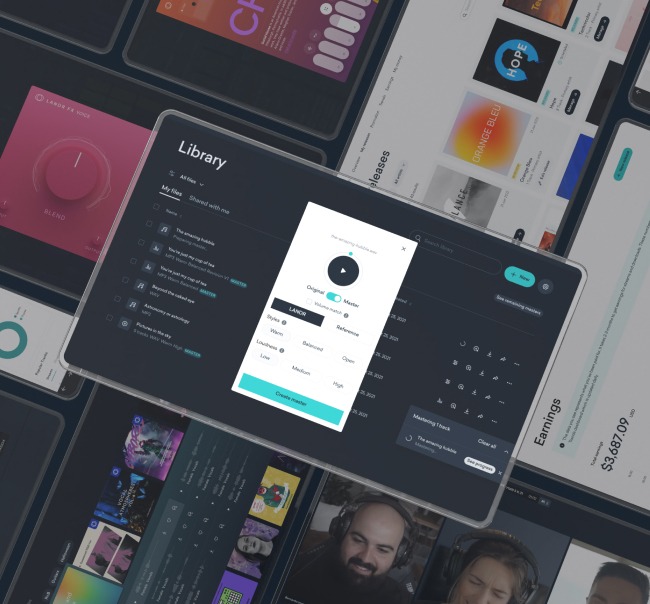
Find all the tools you need to create, master and release music with LANDR Studio. LANDR Studio gives you access to industry standard DAWs like Ableton Lite, 40+ professional music plugins from LANDR Plugins including Synths, Compressors, Samplers and Effect plugins, 3m+ music samples from LANDR Samples and unlimited distribution with LANDR Distribution. Find out more about LANDR Studio on https://www.landr.com.
Tobias Rochman is a producer, musician, DJ, and writer based in Montréal. He co-founded Pelada, an electronic duo that released its debut album on the Berlin label PAN and toured extensively around the world, playing festivals including Primavera Sound and MUTEK, along with clubs such as Berghain. He now records and performs solo as RocMan and co-hosts Oblique Frequencies, a monthly electro radio show on n10.as
@Tobias RochmanGear guides, tips, tutorials, inspiration and more—delivered weekly.
Keep up with the LANDR Blog.