

How to Make MIDI Instruments Sound Real
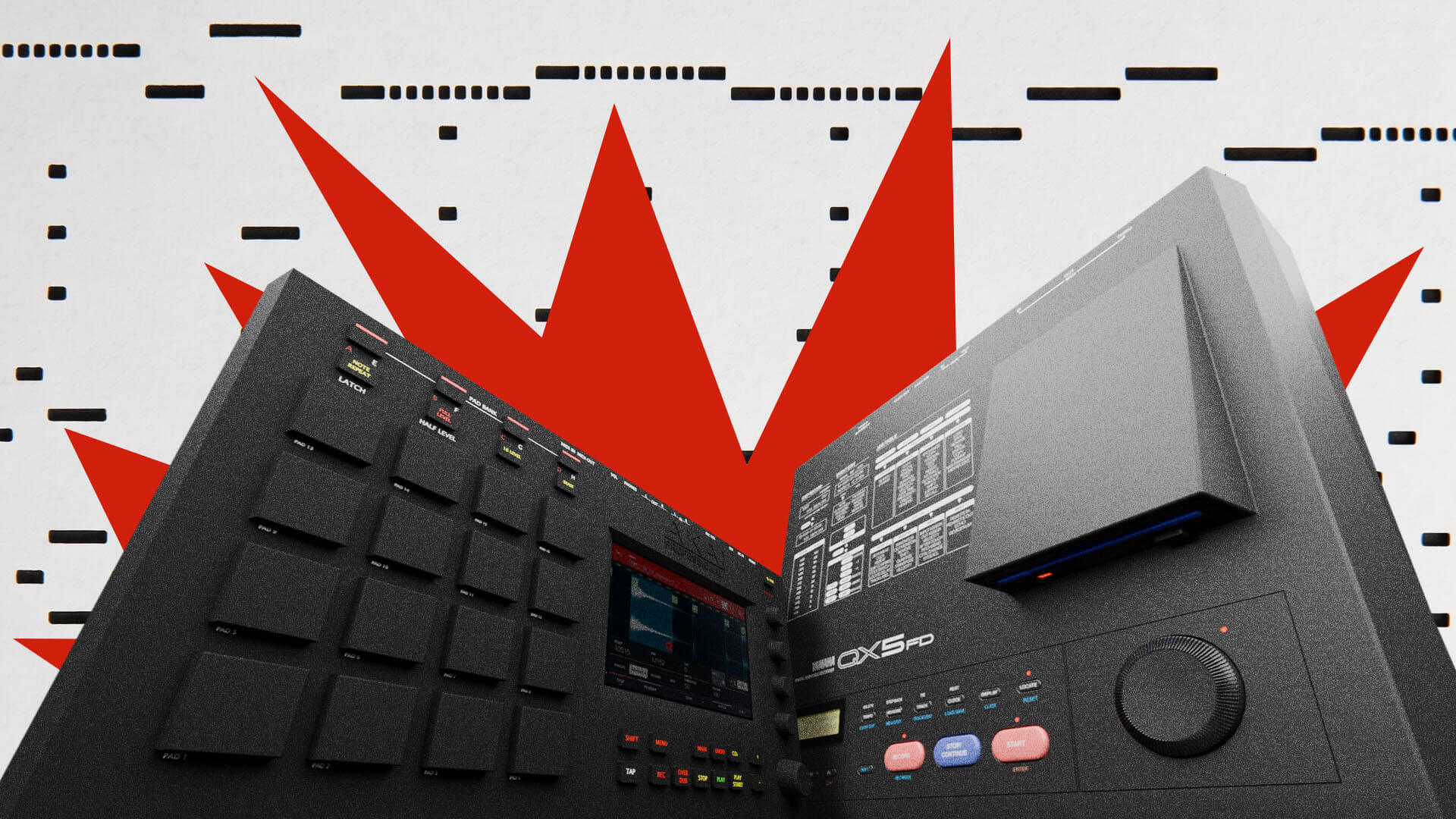
MIDI makes it easy to correct mistakes, adjust timing, and swap instruments in your productions. But choosing what notes you’re going to play is only just the beginning.
MIDI is an acronym for Musical Instrument Digital Interface. Developed in the 1980s, it’s a digital language that allows computers, hardware instruments, and software to communicate with each other. Unlike audio, MIDI carries specific instructions about what to play and how to play it, rather than only the sound itself.
If you’re new to MIDI, our guide to the basics is a great place to start. Already up to speed? Let’s go deeper.
The basic trap is that without attention to detail, MIDI instruments can sound plain and mechanical. Drums can feel stiff and lifeless, and pianos abrupt, fake, and cheesy. We want our music to convey emotions and keep the listener engaged, not just execute a soulless protocol with absolute precision. Bad MIDI can break the spell and keep your listener from getting lost in the music.
In this guide, we’ll explore how sound selection, dynamics, timing, and expression can make your MIDI parts feel more natural.
Use good samples and instruments
Everything starts with sound design and selection. Your choices here really help shape how convincing a MIDI part can be.
Starting with quality samples from the same drum machine or drum kit can help guarantee a shared tonal character and natural balance right away. Once that foundation is in place, you can swap or layer individual sounds to add contrast. You don’t have to stick to one kit, but it gives you somewhere coherent to start. If you’re looking for quality sounds, LANDR Samples is a great place to look.
Context matters. For acoustic instruments, look beyond how impressive an initial preset sounds when you first hold down a chord. Test quiet notes, strong accents, and repeated hits. Audition different sounds with the MIDI part you actually plan to use. A lush, impressive preset might sound great on a held chord but smear the rhythm on a busier passage.
Instruments with multiple velocity layers use different recordings to capture soft and hard playing. Round-robin sampling, for example, is a feature in some sampler plugins which cycles through different recordings of the same drum hit each time the note is played, avoiding that “machine-gun” effect.
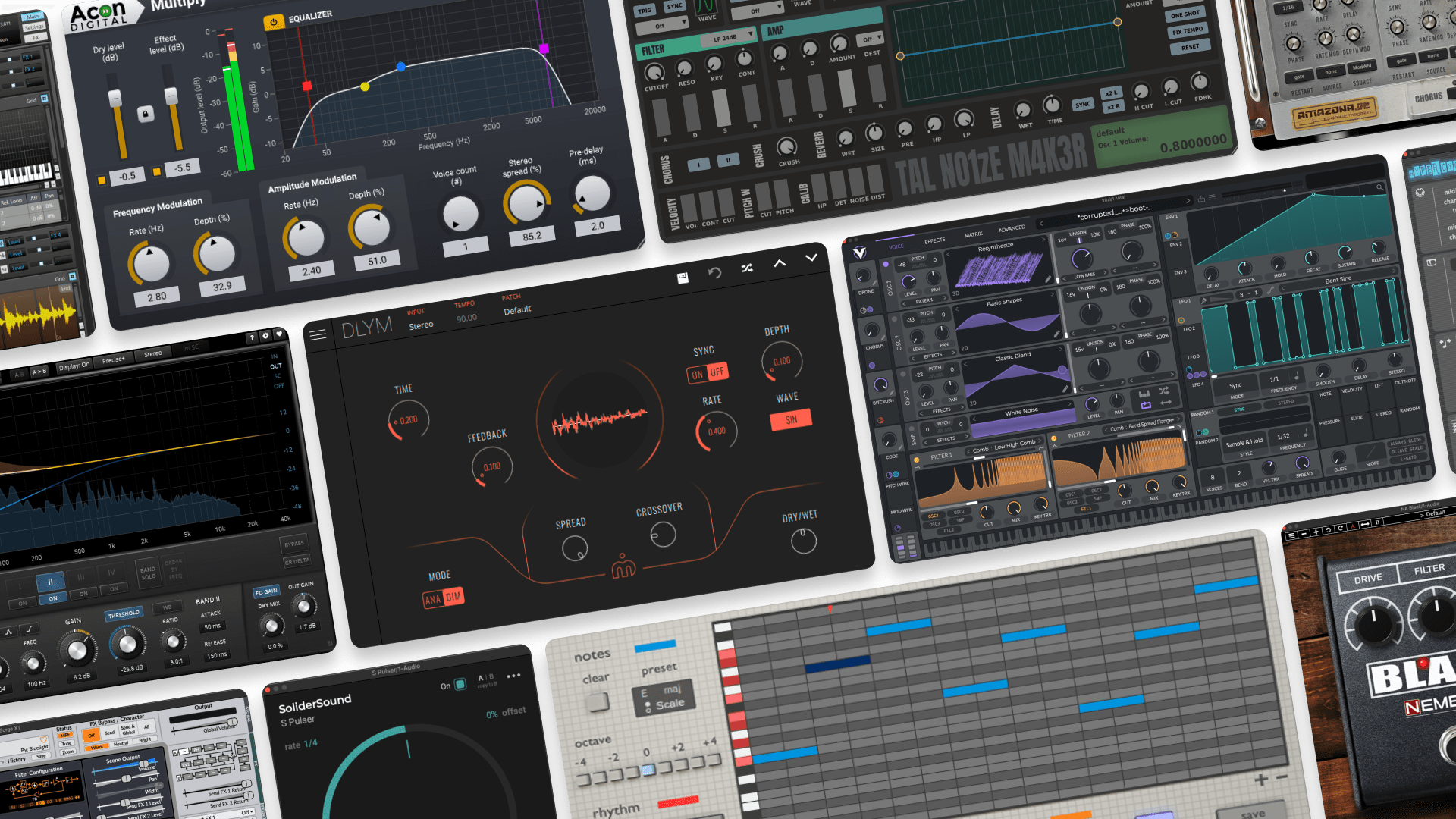
There are lots of great-sounding software instruments available. For more ideas, explore our guide to VST instruments.
Choose sounds that suit your arrangement and respond to the details you want to put in the performance. Then you can start shaping how the notes are played.
Velocity variation: Avoid the brick wall
Basically, velocity is how hard you’re hitting each note. A common beginner mistake is leaving all the hits at exactly the same level. The first sign of trouble is velocity bars that look like a brick wall. Start with a hi-hat pattern and lower the velocity of every other hit. Notice how the stronger notes establish the pulse while softer hits fill the spaces between them. Then adjust individual accents to support the groove of your track.
Similarly, with piano-based instruments, a piano player will not bang every chord out with the exact same force over and over. Break it up. Within a chord, try giving the notes that are carrying the melody a stronger velocity and softening the supporting notes. This helps the melody stand out without making the whole chord louder.
Remember, velocity can affect tone as well as volume, depending on the instrument you pick.
Microtiming and humanization
Try playing the part on a MIDI keyboard instead of drawing in every note. Even if you end up fixing the placement afterward, it will still retain some of that initial feeling. Sometimes a simple performance can still give you interesting timing variations.
If your DAW or sequencer has a “Humanize” function that introduces natural-sounding imperfections into the MIDI data, this can help a lot, but it’s not always the fix you might imagine. What skilled humans actually do is purposely push or drag parts off the grid for groove or dramatic effect. When sequencing, nudge your notes to avoid overly robotic timing, but do it with intention.
A snare landing just behind a steady kick can create a more relaxed backbeat. Or if you’re looking to create a sense of urgency, experiment with moving parts like a shaker pattern slightly ahead of the beat.
Make these small adjustments, then listen to the whole track. The groove depends on the subtle relationship between the individual parts. Randomization tools can introduce useful variation, but randomizing everything can weaken that relationship and make your drums feel chaotic.
Note lengths and phrasing
Note lengths can change the feeling of a performance quickly. Real musicians often choose to extend or shorten chords for emotional impact. Phrasing can also be overlooked by new producers. A piano player might hold a note beneath changing chords or use inversions to make the transitions sound smooth and natural. Similarly, you should be watching for opportunities to do this in your own productions. This is a crucial step toward believability.
If you’re sequencing a wind instrument, leaving a gap where the player might breathe can help with realism as well.
Modulation and expression
Now that your MIDI loop is in better shape, these more advanced techniques will turn a solid pattern into something truly special. Subtle changes in tone and intensity can help a repeating part hold your listener’s attention.
Automating parameters like the cutoff of a filter on a synth part to open slowly over time will build tension and make the sound feel like it’s growing in energy. For even more added motion, try mapping an LFO to your filter or pitch to create subtle, hands-free movement that evolves automatically.
You can draw these changes into your DAW, or map them to a control knob or modulation wheel and record the movement as the track plays. Performing and recording the changes live can help you react to the music more intuitively.
Finishing touches
MIDI instruments from different sources can sometimes feel disconnected. Shared processing can really make them lock in.
Compression helps sounds move together. Try routing your drums to a shared bus and applying gentle compression to help them feel more cohesive while preserving the accents you’ve carefully programmed earlier.
A shared reverb can also help instruments feel like they belong in the same space. Try sending small amounts of each instrument to a short room reverb, then adjusting the balance until they sound more connected. If you’re using reverb directly on a track, often even 5-10% wet is enough to create the illusion. Keep the sends on the kicks and low bass elements very low (or even at zero) so that the low end won’t sound muddy.
Consider the stereo field too. If several parts all compete for the center, try panning supporting elements to the left or right to give them more room. For an acoustic arrangement, picturing where musicians might sit on a stage can be a good starting point.
Conclusion
Start by identifying what feels flat and fake, then use these tips to make deliberate changes. Not every MIDI pattern will need all these tactics applied. But if you can isolate which elements feel sterile or rigid, these are powerful tips to keep in mind. Think about listening to the entire performance as a whole and asking yourself what it needs on a case-by-case basis.
The goal is to give your MIDI instruments a sense of intention, whether you’re programming a realistic string section, shaping a piano part, or making a drum machine genuinely groove. The software will play exactly what you tell it to, but the character comes from the choices you make.
By focusing on these principles, you’ll start to bridge the gap between amateur and professional-sounding tracks. Understanding how to finesse MIDI is an instant level up for your productions.
“You can’t blame the computer. If there’s no soul in the music, it’s because nobody put it there.” – Björk, The South Bank Show (1997)

Tobias Rochman is a producer, musician, DJ, and writer based in Montréal. He co-founded Pelada, an electronic duo that released its debut album on the Berlin label PAN and toured extensively around the world, playing festivals including Primavera Sound and MUTEK, along with clubs such as Berghain. He now records and performs solo as RocMan and co-hosts Oblique Frequencies, a monthly electro radio show on n10.as
@Tobias RochmanGear guides, tips, tutorials, inspiration and more—delivered weekly.
Keep up with the LANDR Blog.
Latest Posts